Credit: Pixel Community
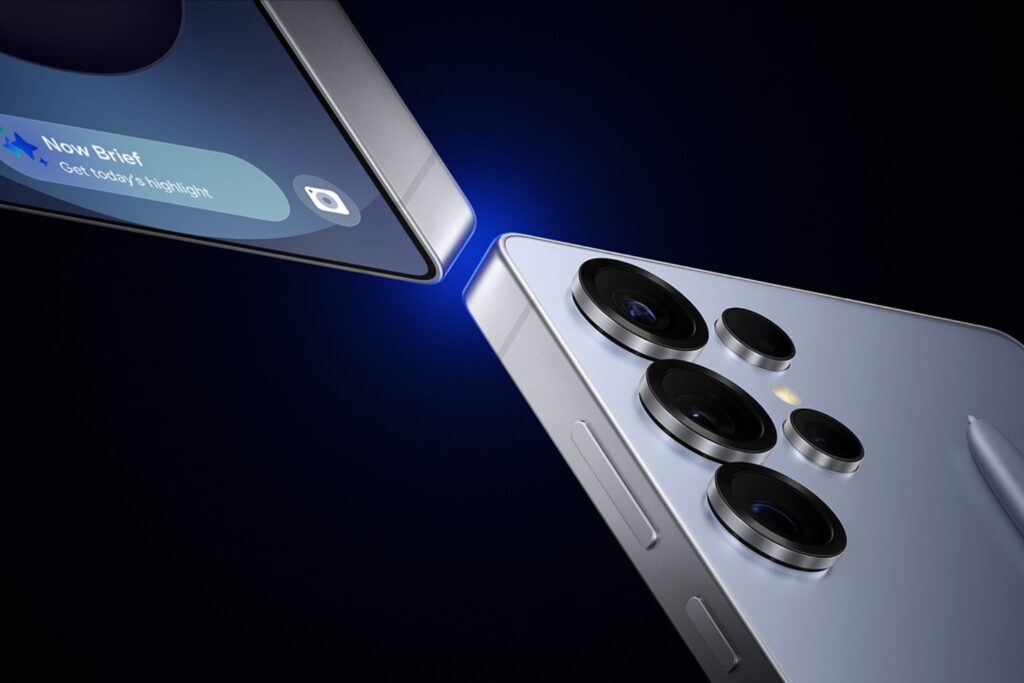
Google has begun rolling out the March 2026 Pixel Feature Drop, one of the most substantial quarterly updates the company has delivered to its Pixel lineup. The update started reaching compatible Pixel devices on March 3 and introduces a range of new capabilities spanning productivity, artificial intelligence, and personalization.
Overview of the March 2026 Pixel Feature Drop
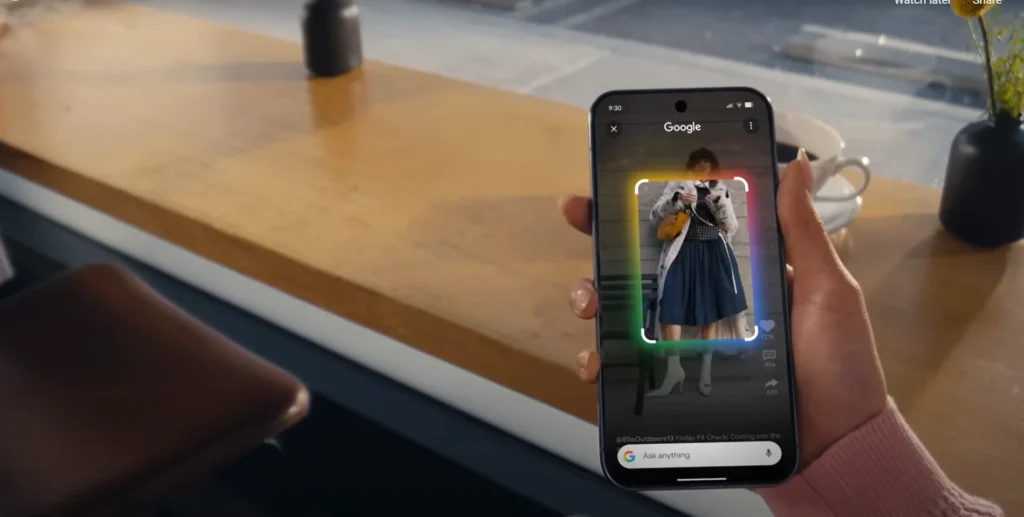
Key features include a multi-window desktop experience, Gemini-powered task offloading, and custom AI-generated icons, available for supported Pixel phones and tablets. The update arrives alongside the March Android security patch, meaning users receive both functional additions and system-level fixes in a single release.
Google is pushing personalization, AI automation, and accessibility across recent Pixel devices, from the Pixel 6 series to the Pixel 10 Pro Fold.
Desktop Mode on Pixel: How It Works
Among the Pixel Drop March 2026 features, desktop windowing is drawing the most attention from productivity-focused users. Supported Pixel phones can now connect to an external monitor via USB-C to enable a desktop-style interface that supports multiple windows. Users can run several apps side by side on a larger screen, effectively turning their phones into lightweight workstations.
For those wondering how to use desktop mode on Pixel, the Pixel desktop mode external display setup is straightforward: connect a compatible device to a monitor, keyboard, and mouse using USB-C with DisplayPort output. This works on Pixel 8 phones and newer with USB DisplayPort out.
The Pixel Tablet also benefits from this update. Apps can open in free-form windows that can be resized, overlapped, and positioned anywhere on the screen, similar to a laptop-style desktop environment.
This Android 14 desktop mode for Pixel phones addresses a longstanding gap for users who want to reduce reliance on a separate laptop for light computing tasks, making the Pixel platform a more versatile productivity tool.
Gemini AI Features on Pixel Explained
The new Pixel Feature Drop new features also include a significant expansion of Gemini’s role on-device. Gemini automation is expanding on the Pixel 10, Pixel 10 Pro, and Pixel 10 Pro XL. It can now book rides, order food, or purchase groceries by launching apps in a secure window and tapping, scrolling, and typing on your behalf.
You can watch the process live or let it run in the background with notifications. It can be halted at any time, and final confirmation is always required before completing a transaction.
Additionally, Magic Cue with Gemini can now help find restaurant recommendations without leaving a conversation. When friends ask for recommendations in a group chat, Pixel smartphones can proactively suggest a search based on their criteria.
This feature is limited to the Pixel 10 series, excluding the Pixel 10a. These Gemini AI features on Pixel represent a shift toward an assistant that acts on a user’s behalf rather than simply responding to queries.
Why These Features Matter
The Pixel AI features in this March 2026 update signal Google’s broader strategy: embedding practical AI into daily workflows rather than showcasing it in isolated demos. Desktop mode reduces the need for a secondary device during travel or light work sessions. Gemini’s task automation saves time on repetitive actions, keeping users in control while reducing friction.
The in-app task execution, the contextual restaurant recommendations — each reflects an effort to make the assistant ever more useful in daily life.
Availability and Rollout
Updates start rolling out on March 3 and will continue over the next several weeks. Not all features apply to every device — desktop windowing requires Pixel 8 or newer, while Gemini task automation is exclusive to the Pixel 10, 10 Pro, and 10 Pro XL.
Features like custom AI-generated icons and At a Glance updates extend to Pixel 6 and newer. Users should check their device settings for the Google Pixel update March 2026 under System Updates to confirm eligibility.