iOS 26.2 isn’t a big redesign, but a bunch of simple updates that make your iPhone feel smoother. Small fixes, better menus, and useful new options, all aimed at making daily use easier and nicer.
iOS 26.2: Quick Highlights
- UI polish with expanded Liquid Glass touches and a Lock Screen transparency slider.
- Podcasts get automatic chapters and smarter in-episode links.
- Safety alerts are clearer and more actionable.
- Apple News gets a usability refresh with a dedicated Following tab.
- A handful of quality-of-life updates: AirDrop one-time codes, improved Reminders alarms, CarPlay widget tweaks, and stability/security patches.
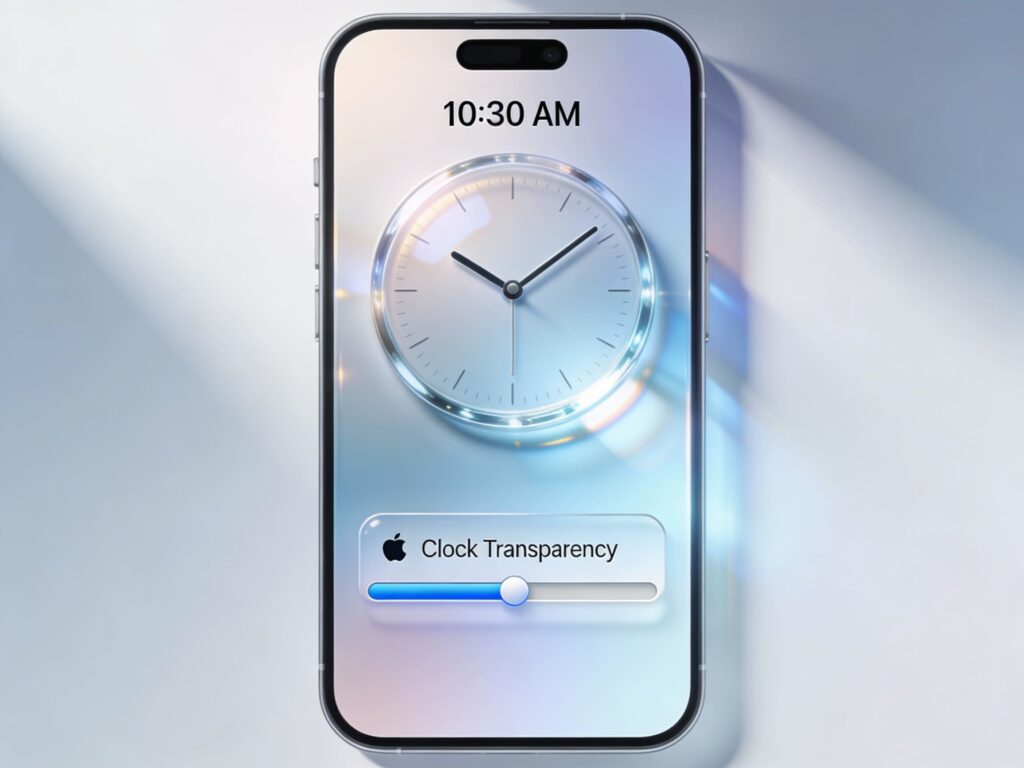
Apple adds finer Liquid Glass controls in iOS 26.2, including a new Lock Screen transparency slider and smoother animations. More system apps now use the updated translucent look, making the interface feel lighter and cleaner while giving users better control over their Lock Screen style.
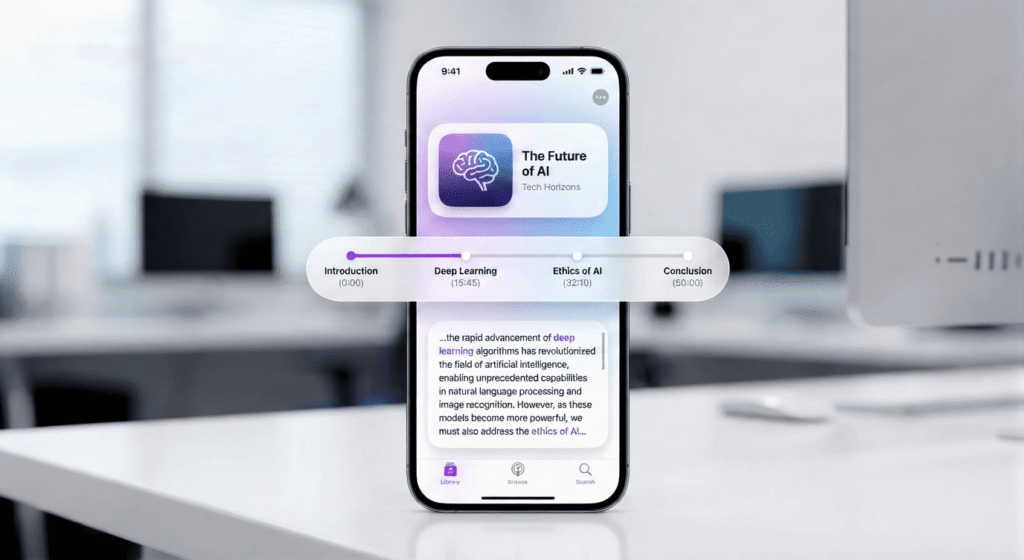
iOS 26.2 upgrades Podcasts with auto-generated chapters made from episode transcripts, so even long shows get clean sections without creators doing extra work. It also adds smart transcript links that highlight episodes mentioned in the show. Together, these updates make navigation easier and boost discovery for listeners and creators.
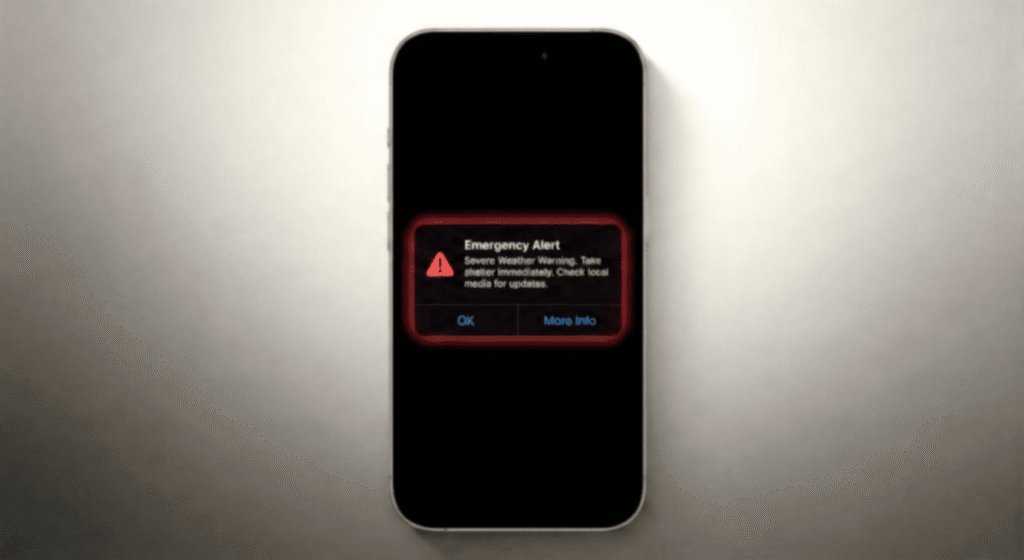
This update improves emergency and public-safety alerts with clearer, more direct messages for events like storms or earthquakes, making instructions easier to understand instantly. Alerts now animate more smoothly too, reducing disruption and helping users react faster when it actually matters.
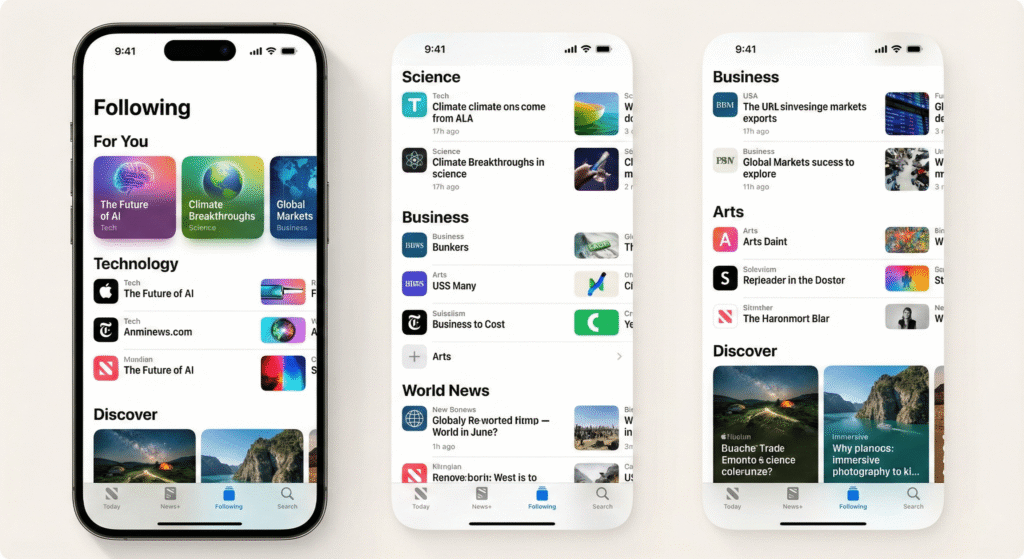
iOS 26.2 brings a small but useful refresh to Apple News. The app now gets quicker navigation, a dedicated Following tab, and a clearer layout that feels more curated than chaotic. For anyone using it as a daily briefing, these changes make it faster to find good stories with less noise.
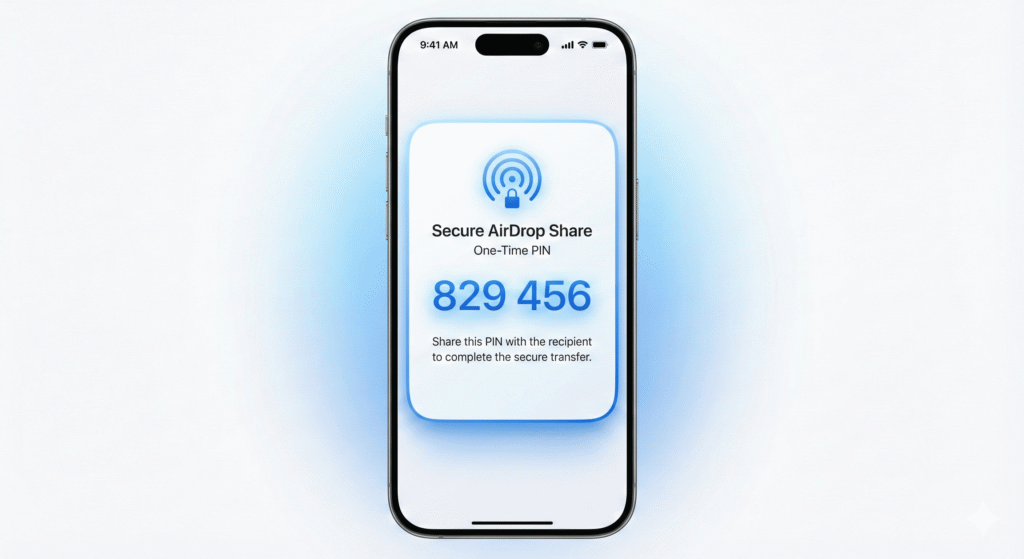
AirDrop gets a smarter, safer upgrade with a new one-time code system that lets you share files with people outside your contacts without opening access to everyone. Once paired, both devices can exchange files for up to 30 days, and you can manage or remove these temporary connections in Settings. It’s a practical balance of convenience and security.
Other practical upgrades worth noting
- AirDrop security: one-time codes/PINs for ad-hoc transfers to non-contacts. Handy for events and temporary sharing.
- Reminders: urgent toggles that can trigger alarm-style reminders for crucial tasks.
- Sleep & Health: incremental sleep scoring improvements for better nightly metrics.
- CarPlay: more widget options and the ability to manage pinned Messages from the CarPlay UI.
- Stability & security: the usual collection of under-the-hood patches and performance fixes that keep the platform tight.
Rollout & who should update
iOS 26.2 went through several release candidate versions in December 2025 and was close to launching for everyone. If you depend on your device for stable work or often use features like CarPlay or AirDrop in busy places, it’s a good update to install once the final version arrives. Developers and people with older devices should still review compatibility notes and back up before updating.