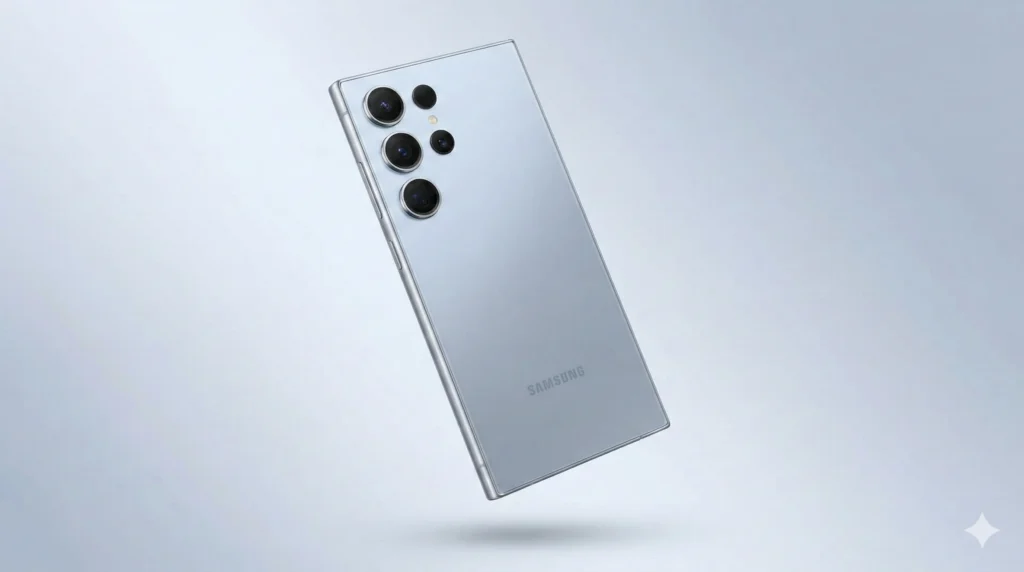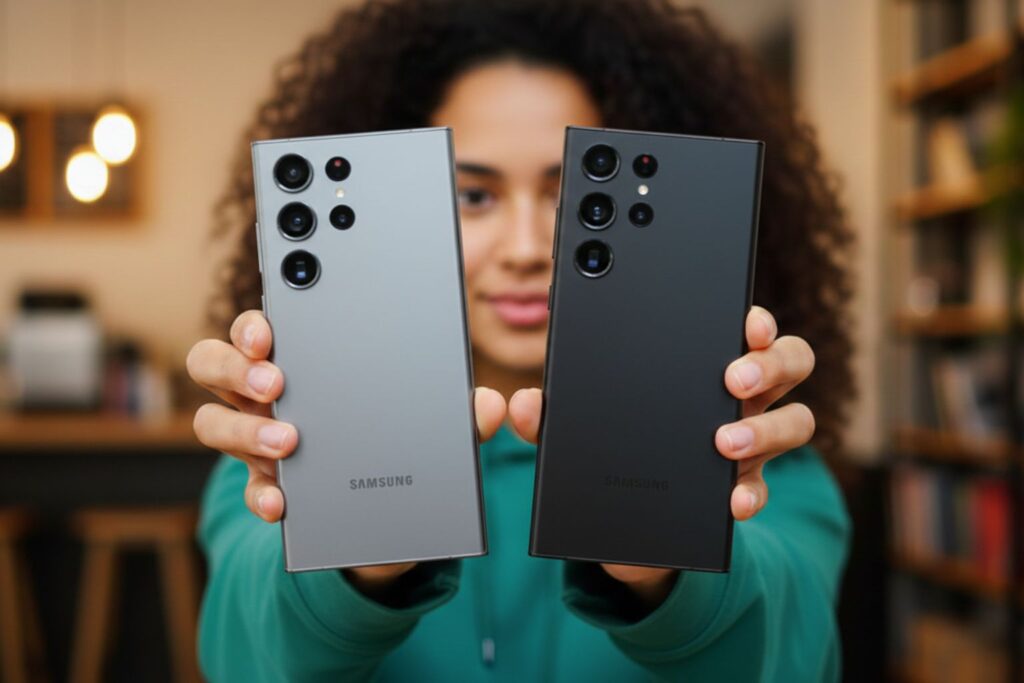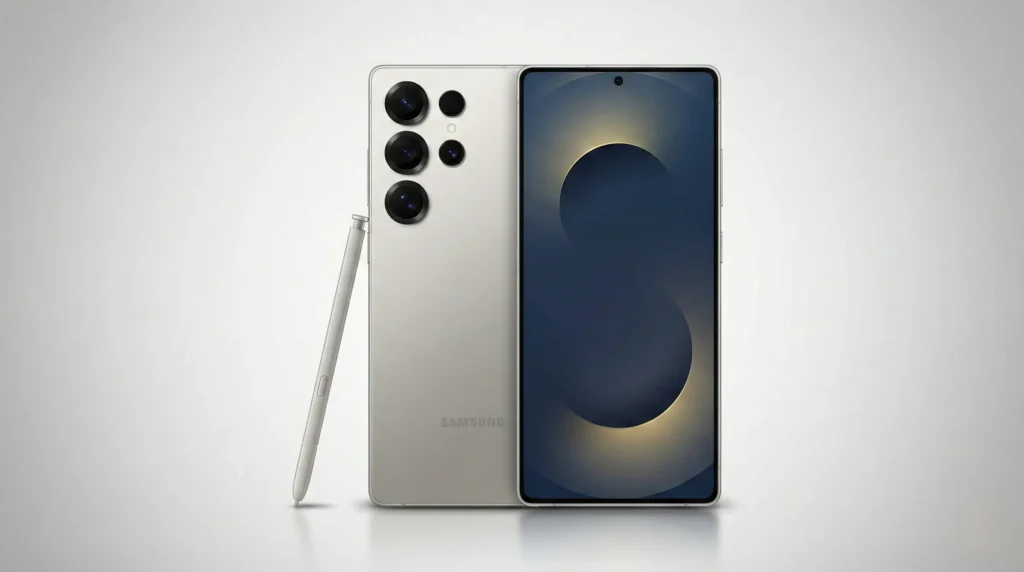
The Samsung Galaxy S25 Ultra stands as one of the most technically advanced smartphones of 2026, yet the majority of its most powerful capabilities remain undiscovered by everyday users.Beyond the flagship hardware, One UI 7 and Galaxy AI contain a layer of intelligent features designed to fundamentally change how you interact with your device.
Here is a comprehensive breakdown of the most significant hidden features worth knowing.
1. Now Bar and Now Brief
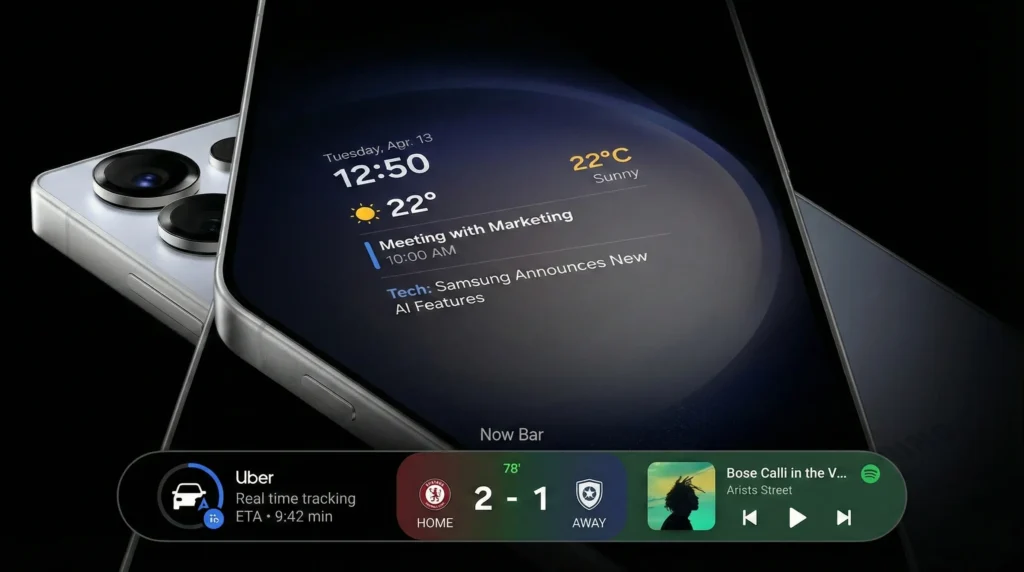
One UI 7 introduces two proactive information tools that surface relevant content without requiring you to open a single app.
Now Bar functions as a real-time activity hub displayed at the bottom of your lock screen or Always-On Display. It provides live updates for ride-share tracking, sports scores, and media playback controls. To configure it, navigate to Settings > Lock Screen & AOD > Now Bar.
Now Brief is an AI-generated summary that compiles your calendar, weather forecast, and curated news highlights into a single daily digest. Customize its content under Settings > Galaxy AI > Now Brief.
2.AI-Powered Instant Slow Motion
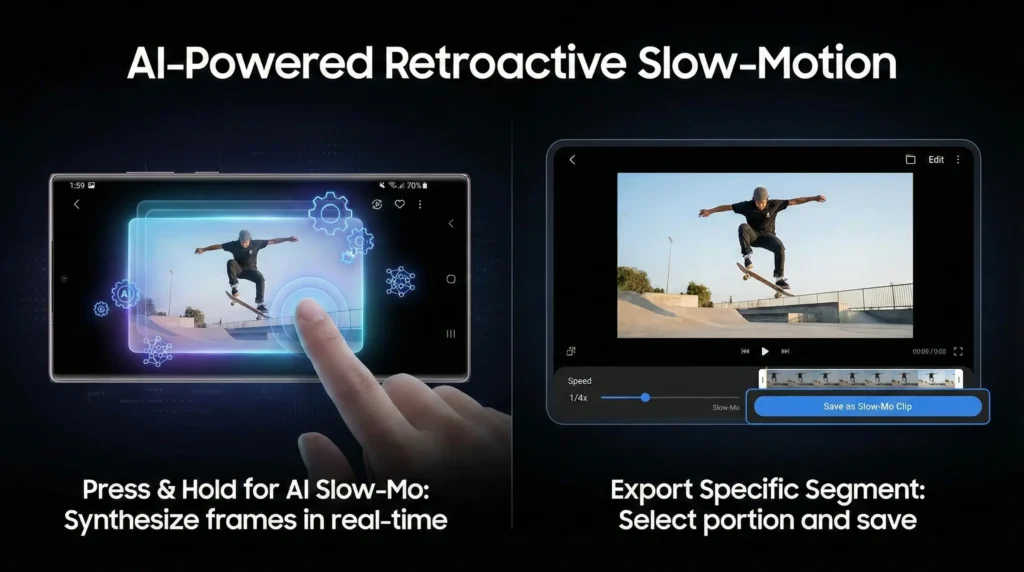
The S25 Ultra can retroactively convert any standard video into smooth slow-motion footage using AI frame generation — no slow-mo recording required.
To use it, open any video in the Samsung Gallery app and press and hold the screen during playback. The AI synthesizes the missing frames in real time. To export a specific segment, tap the Edit icon, select Speed, choose your desired portion, and save it as a dedicated slow-motion clip.
3. Cross-App AI Actions
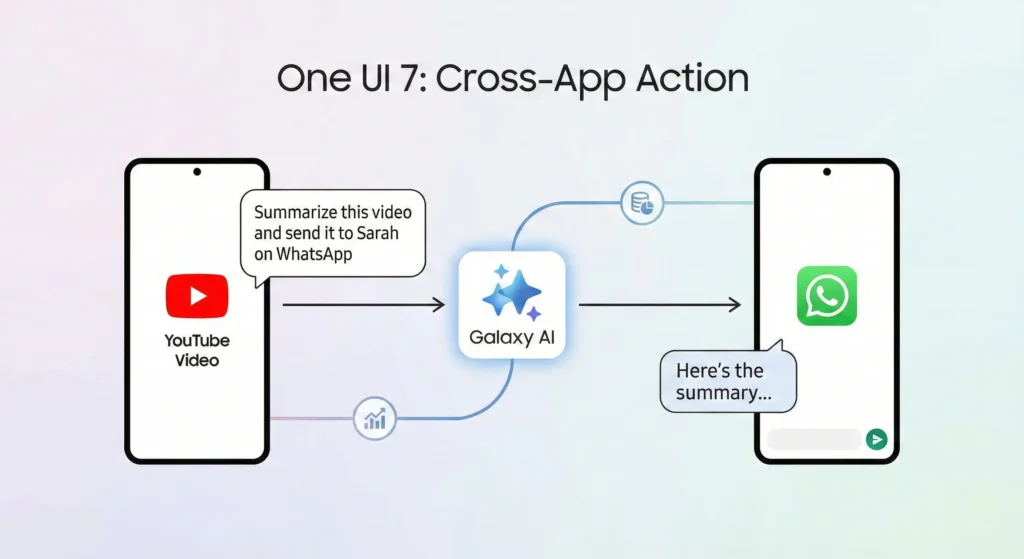
Manual copy-pasting between applications is no longer necessary. The Cross-App Action feature enables the AI to interpret context across multiple open windows simultaneously.
To activate it, press and hold the power button to invoke Galaxy AI, then issue a natural language command — for example: “Summarize this video and send it to Sarah on WhatsApp.” The AI will extract the transcript from the active YouTube video and compose the message automatically.
4. Vertical App Drawer
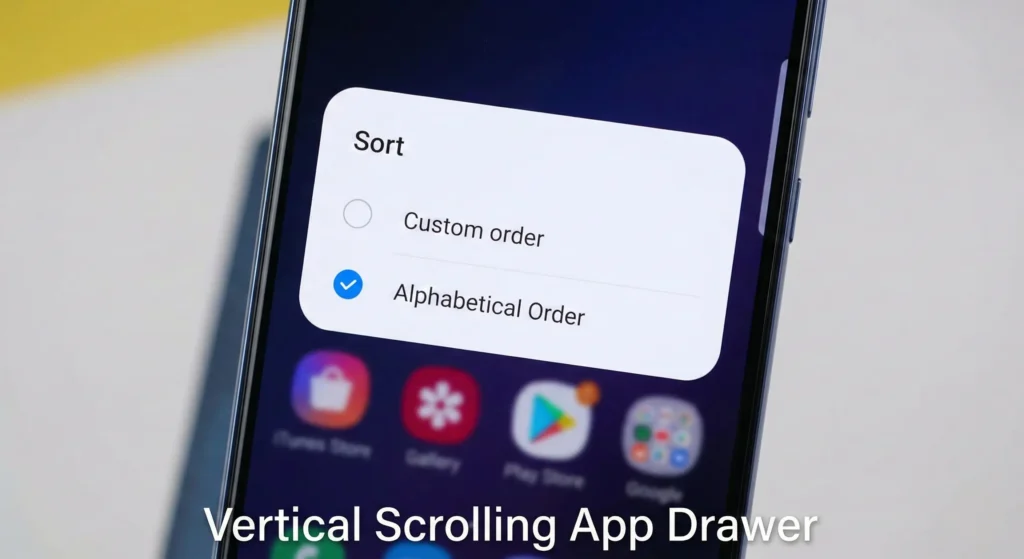
Samsung has finally introduced a vertical scrolling app drawer, though the setting is not immediately obvious.
To enable it, open your app drawer, tap the three-dot menu in the search bar, select Sort, and choose Alphabetical Order. This switches the layout to a vertical list with a quick-access alphabet index along the right edge.
5. Natural Language Settings Search
Locating specific settings by scrolling through menus is now obsolete. The S25 Ultra’s Settings app supports natural language queries that interpret intent rather than matching exact keywords.
For example, typing “my eyes hurt” will surface the Eye Comfort Shield option, while “battery is dying” directs you to Power Saving Mode. This is particularly useful for accessing lesser-known settings whose exact names you may not recall.
6. Extra Brightness Mode
Although the S25 Ultra reaches a peak brightness of 2,600 nits, Adaptive Brightness frequently limits output to conserve battery life.
To unlock maximum brightness manually, go to Settings > Display and turn off Adaptive Brightness. Once disabled, an Extra Brightness toggle will appear, overriding the automatic limits and delivering full luminance output — essential for outdoor use in direct sunlight.
7. S Pen AI Select
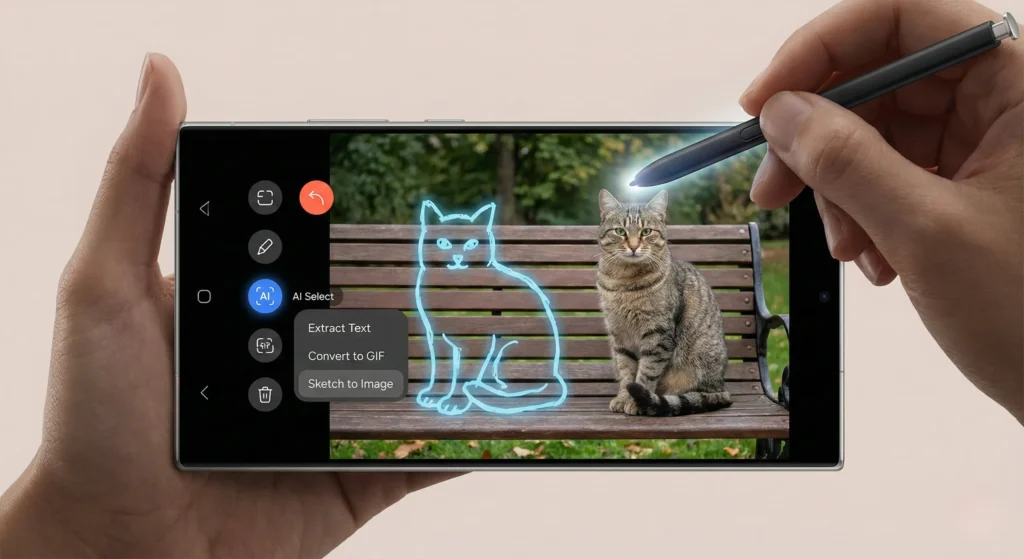
The S Pen has evolved from a precision stylus into an AI input tool. Using the AI Select option from the Air Command menu, you can draw a circle around any on-screen element.
From that selection, the AI can extract text, convert the clip into a GIF, or apply Sketch to Image — a feature that transforms a quick doodle drawn over a photo into a realistic visual element integrated into the image.
Quick Reference Guide
| Feature | Location | Function |
|---|---|---|
| Now Bar | Settings > Lock Screen & AOD | Live activity tracking on lock screen |
| Now Brief | Settings > Galaxy AI | AI-curated daily summary |
| Instant Slow-Mo | Gallery > Press & Hold | Converts any video to slow motion |
| Cross-App AI Actions | Hold Power Button > Voice Command | Executes tasks across multiple apps |
| Vertical App Drawer | App Drawer > Sort > Alphabetical | Vertical scroll layout with index |
| Natural Language Search | Settings Search Bar | Intent-based settings navigation |
| Extra Brightness | Settings > Display | Overrides adaptive limits for peak brightness |
| S Pen AI Select | Air Command > AI Select | Text extraction, GIF creation, Sketch to Image |
The S25 Ultra rewards users who take the time to explore its software capabilities. Each of the features above addresses a genuine usability gap — whether that is media editing, multitasking efficiency, or display performance — and collectively they represent the clearest picture of what modern AI-integrated smartphone software can deliver.