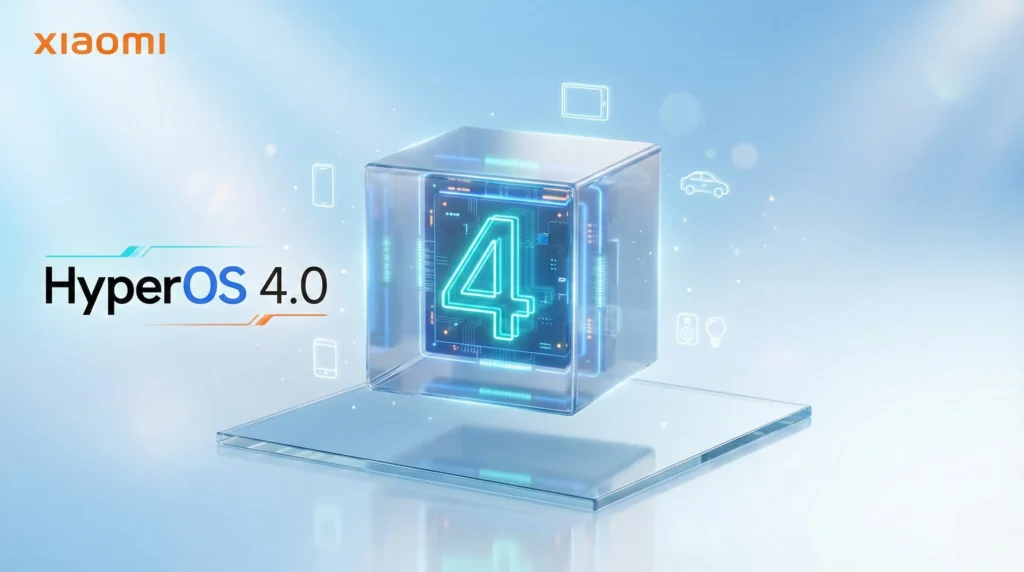
Xiaomi is rolling out HyperOS globally, officially replacing MIUI. This transition moves beyond a simple UI update to a unified system focused on performance, lower latency, and seamless integration across Xiaomi’s entire product ecosystem.
HyperOS is a system-level architecture, not just a UI skin. Built on a “dual-kernel” fusion of Android (Linux) and Xiaomi Vela (NuttX), it unifies smartphones, tablets, and IoT devices.
It prioritizes low system overhead, seamless cross-device coordination via HyperConnect, and faster OTA delivery, moving beyond traditional mobile software to a universal ecosystem layer.
Performance: A 21% faster app start-up and reduced firmware footprint, optimizing memory and background processes for sustained speed.
Visuals: Refined animations via the Liquid Engine 2.0, plus the new Super Island for live notifications and interactive multitasking.
Security: Enhanced permission monitoring and quantum-level data protection for cross-device sharing.
Ecosystem: Seamless phone-tablet continuity, shared clipboards, and deeper integration with Xiaomi wearables.
Eligible Devices for Xiaomi HyperOS Global Update
The global rollout of HyperOS 3 (based on Android 16) follows a phased release schedule. While flagships receive priority, availability depends on your region (Global, EEA, or India) and carrier status.
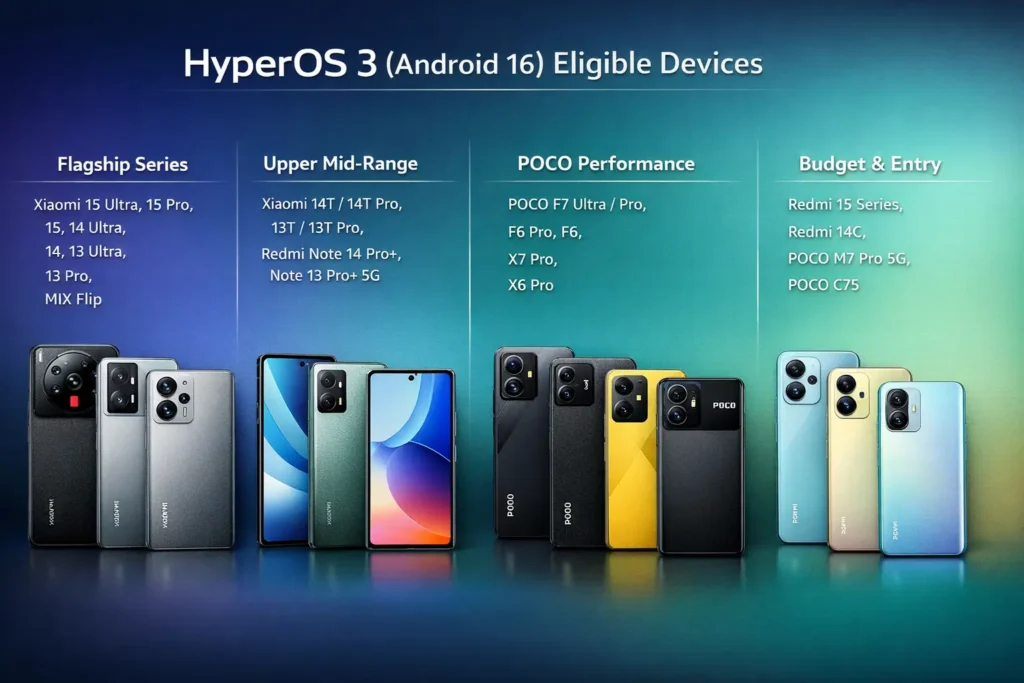
Flagship Series
- Xiaomi 15 Ultra
- Xiaomi 15 Pro
- Xiaomi 15
- Xiaomi 14 Ultra
- Xiaomi 14
- Xiaomi 13 Ultra
- Xiaomi 13 Pro
- Xiaomi 13
- Xiaomi MIX Flip
Upper Mid-Range
- Xiaomi 14T
- Xiaomi 14T Pro
- Xiaomi 13T
- Xiaomi 13T Pro
- Redmi Note 14 Pro+
- Redmi Note 13 Pro+ 5G
POCO Performance Series
- POCO F7 Ultra
- POCO F7 Pro
- POCO F6 Pro
- POCO F6
- POCO X7 Pro
- POCO X6 Pro
Budget & Entry-Level
- Redmi 15 series
- Redmi 14C
- POCO M7 Pro 5G
- POCO C75
Note: Older devices like the POCO F5 and Xiaomi 12 series are currently in their final update cycle and will likely reach End-of-Life (EoL) status by mid-2026.
The HyperOS 3 rollout is currently in its final phase for early 2026. Flagships (Xiaomi 15/14) and newer Redmi Note/POCO models are receiving stable builds now.
Older devices are in the “Mi Pilot” beta stage, with stable updates following roughly 2–4 weeks later across Global, EEA, and India regions.
How to Update to HyperOS: OTA and Manual Installation Steps
OTA Update: Go to Settings > About phone, tap the HyperOS logo, and check for updates. Ensure 50%+ battery and stable Wi-Fi.
Manual: Download the official Recovery ROM (.zip). Enable “Choose update package” by tapping the version logo 10 times in settings.
Warning: Backup all data first. Rollbacks are unsupported, and the first boot takes longer.
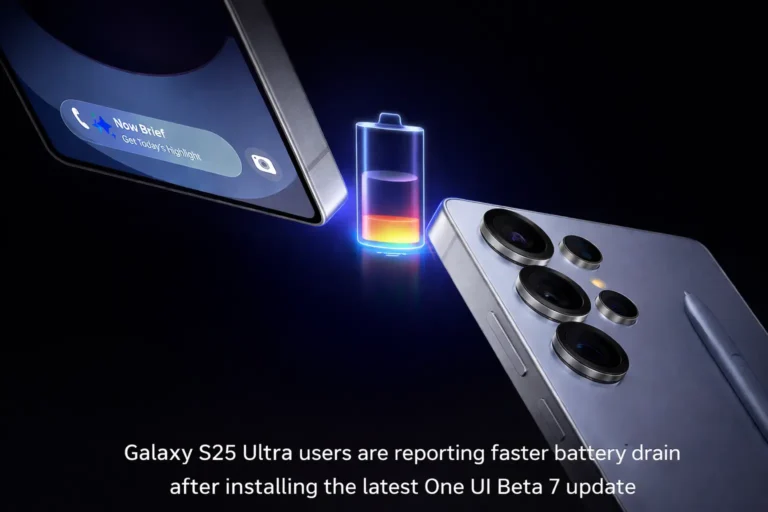
Early HyperOS 3 builds may contain initial bugs like battery drain or launcher crashes. Global versions often lack specific China-only AI features and fluid animations.
Warning: Updating cross-flashed (Chinese hardware) devices to the Android 16 base may cause boot loops.
Update if you own a recent flagship for the latest AI and connectivity features. Power users may prefer waiting for the next corrective patch to resolve initial idle battery drain.
Business users should prioritize stability and delay the update until stable builds are widely verified for your specific region.