If you want your Samsung Galaxy phone to run smoothly and stay secure, you need to keep the Google Play System up to date.
While full Android OS updates (like One UI upgrades) handle the major visual changes, Google Play System updates work behind the scenes. They deliver critical security patches, bug fixes, and core system improvements without requiring a massive software download.
Here is the fastest way to check for and install the latest Google Play System update on your Samsung Galaxy device.
The Standard Method (One UI)
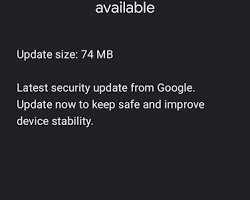
For most modern Samsung Galaxy phones running recent versions of One UI, the update is located in your security settings.
Open the Settings app on your phone.
Scroll down and tap Security and privacy.
Tap Updates.
Tap Google Play system update.
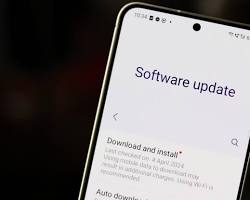
Your phone will automatically check Google’s servers for the latest version. If an update is available, tap Download and install.
Once the download is complete, tap Restart now to apply the update.
The Alternative Method
If you don’t see the “Security and privacy” option or you are using an older version of Samsung’s software, you can access the update through your device information.
Open Settings.
Scroll to the very bottom and tap About phone.
Tap Software information.
Tap Google Play system update and follow the prompts to download any available updates.
Troubleshooting: What if it gets stuck?
Occasionally, the update screen might fail to load or the “Checking for updates” circle will spin indefinitely. If this happens:
Restart your phone: A simple reboot clears out background processes and usually fixes the glitch.
Clear the cache: Go to Settings > Apps > Google Play Store > Storage and tap Clear cache. Try checking for the system update again.
Pro Tip: Even if your phone says it is up to date, it is worth manually checking this menu every few weeks. Google often rolls out these patches in small, silent batches!