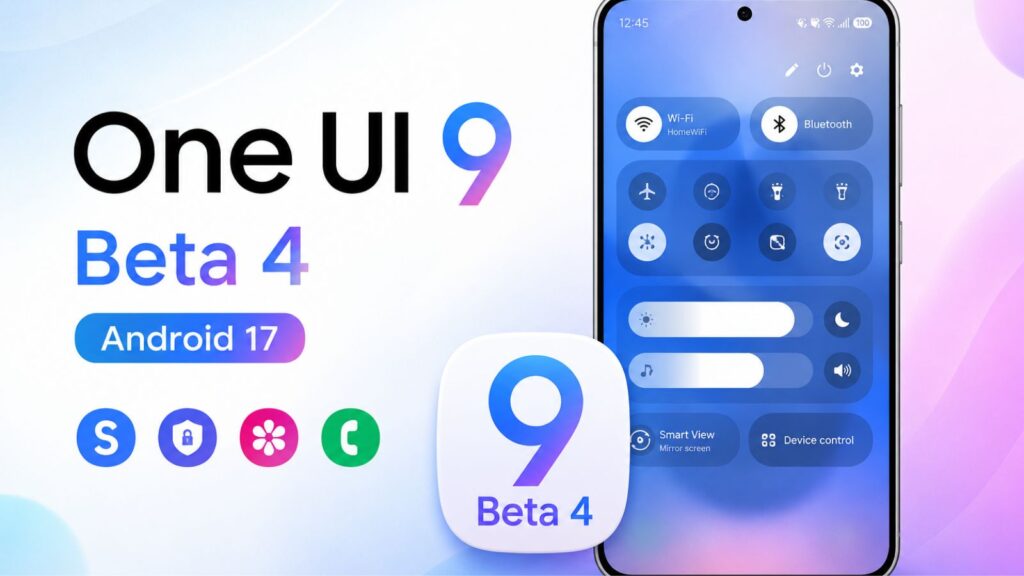
If you’ve been running the One UI 9 beta on your Galaxy S26, you’ve likely dealt with a massive headache: the notification shade. In previous builds, pulling down the status bar resulted in noticeable frame drops, stuttery animations, and delayed tile responses.
The good news? The Galaxy S26 Quick Panel lag is fixed in the One UI 9 Beta 4 update.
Samsung has rolled out its latest beta build (Firmware Version: ZZG4), and instead of introducing flashy features, this release is entirely dedicated to system optimization and bug squashing. Here is everything you need to know about the performance improvements.
Quick Panel Bug in One UI 9?
In Beta 3, a conflict between the system’s graphic rendering engine and the high-refresh-rate display caused the notification panel to drop frames.
Users reported that dragging the shade down felt heavy and unresponsive. Toggling quick settings like Wi-Fi or Bluetooth suffered from a brief but frustrating input delay. The issue became even worse if you were running any background automated Bixby Routines or privacy features.
One UI 9 Beta 4 Changelog: What’s Actually Fixed?
According to the official Samsung Members changelog, the ZZG4 firmware addresses the root causes of the interface stutter. Early testing shows significant improvements across three main areas:
Fluid Animations: The drop-down transition now tracks smoothly with your finger, maintaining a solid 120Hz refresh rate.
Zero Tile Latency: Toggling quick settings is now instantaneous, removing the previous half-second system freeze.
Routine Stability: Samsung successfully resolved a bug where the Quick Panel would completely hang if the new Privacy Display routine was running simultaneously.
Bonus Fix: Beta 4 also eliminates the lock screen clock widget overlap that caused severe screen flickering when waking the phone up.
How to Install the One UI 9 Beta 4 Update
If you are already enrolled in the Samsung Beta program, follow these steps to force the download over the air (OTA):
1.Navigate to System Settings:
Unlock your Galaxy S26, open the app drawer, and launch the Settings app.
2.Check for Software Update:
Scroll down to the bottom of the menu, select Software update, and tap Download and install.
3.Restart to Complete Installation:
Once the phone downloads the ZZG4 package, tap Install Now and let the device reboot. Do not turn off your phone during this process.
Still Experiencing Lag? How to Wipe the Cache Partition
If you updated to Beta 4 and the UI still feels sluggish, it is likely due to leftover system files from Beta 3 conflicting with the new firmware. Wiping your cache partition will clean out these temporary files without deleting any of your personal data.
Turn your Galaxy S26 completely off. Plug a USB-C data cable into your phone and connect it to a computer or USB-C headphones (Samsung requires a wired connection to boot into recovery).
Press and hold the Volume Up and Power buttons simultaneously. Release them the exact second the Samsung logo appears on screen.
Use the physical volume keys to scroll down and highlight Wipe cache partition. Press the Power button to select it. Move down to highlight Yes and confirm.
Once the text at the bottom says “Cache wipe complete,” highlight Reboot system now and tap the Power button one final time.
The Bottom Line
One UI 9 Beta 4 finally makes the Galaxy S26 feel like a true flagship again. While it remains beta software—meaning unexpected bugs could pop up later—the elimination of the primary interface lag makes this build stable enough to use as a daily driver.