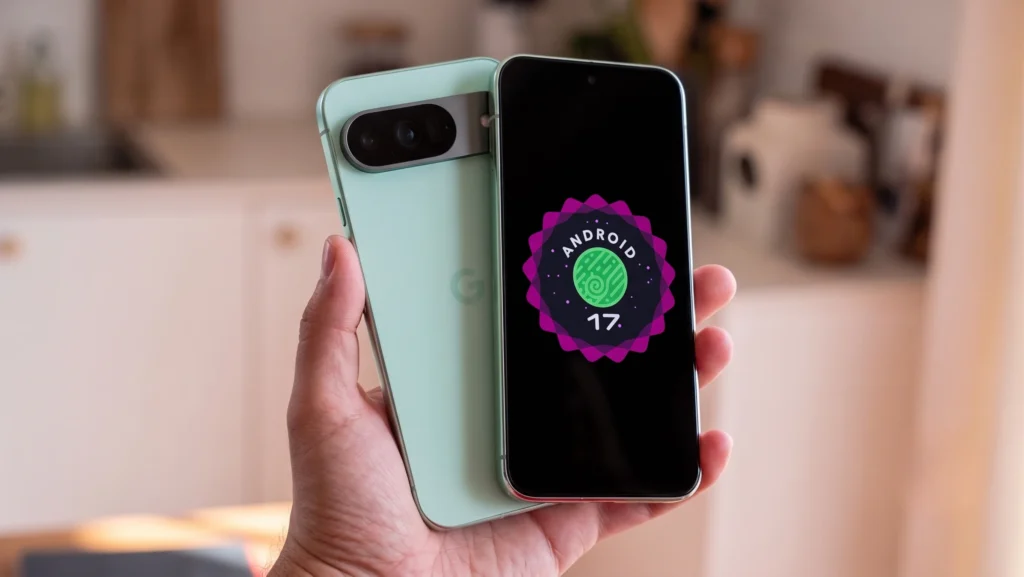
Google just pushed its biggest update of the year, and if you are holding a Pixel 10, your phone just got a serious upgrade. Android 17 (rolling out alongside the June Feature Drop) is officially here.
Instead of treating AI like a separate novelty app, Google has baked it right into the core of how we communicate and create, while also fixing some long-standing multitasking gripes. Skip the boring patch notes—here are the five biggest features you need to test out immediately.
1. App Bubbles (Multitasking Done Right)
Floating app bubbles are back and better than ever. You can now long-press almost any app icon and turn it into a compact, floating window that sits on top of whatever else you are doing.
If you are referencing a map while texting, or watching a tutorial while taking notes, it keeps what you need in reach without forcing you to constantly swipe between full-screen apps. On larger screens, these neatly dock into a dedicated “Bubble Bar” at the bottom.
2. Gemini Omni Video Generation
This is where the AI gets wild. With Gemini Omni integrated into the new update, you can now generate custom video clips purely from a text description.
If you have a Gemini Pro subscription, your Pixel 10 essentially doubles as a pocket-sized video production studio. It is incredibly fast and completely changes how you can share ideas or create content on the fly.
3. Screen Reactions
Content creators and serial over-sharers, rejoice. The screen recording feature got a massive overhaul. You can now record your phone screen while simultaneously recording your face using the selfie camera.
There is no need for a green screen or clunky third-party editing apps—you can instantly overlay your reactions onto trending videos, websites, or apps in just a few taps.
3. Screen Reactions
Content creators and serial over-sharers, rejoice. The screen recording feature got a massive overhaul. You can now record your phone screen while simultaneously recording your face using the selfie camera.
There is no need for a green screen or clunky third-party editing apps—you can instantly overlay your reactions onto trending videos, websites, or apps in just a few taps.
4. Lyria 3 Music Creation
Sticking with the massive creator upgrades, Android 17 brings Lyria 3 directly to the Pixel 10. You can now use Gemini to generate entirely original music tracks simply by typing a text prompt or even uploading an image.
Whether you need a quick backing track for a social post or just want to mess around with AI beats, it is built directly into the system.
5. AI-Powered Call Management
We all hate dealing with voicemails, but Android 17 is making missed calls a lot smarter. You can now set up personalized audio greetings that play when you cannot answer the phone. On top of that, Google has expanded its interactive “Take a Message” feature, leveraging AI to handle callers in a much more conversational and helpful way when you hit ignore.
Bonus point for the purists: Google finally separated the Wi-Fi and Mobile Data toggles in the Quick Settings menu again! It is a small change, but your muscle memory will thank you. Have you downloaded the update yet? Let me know which feature you are actually using in the comments.